Solution Overview
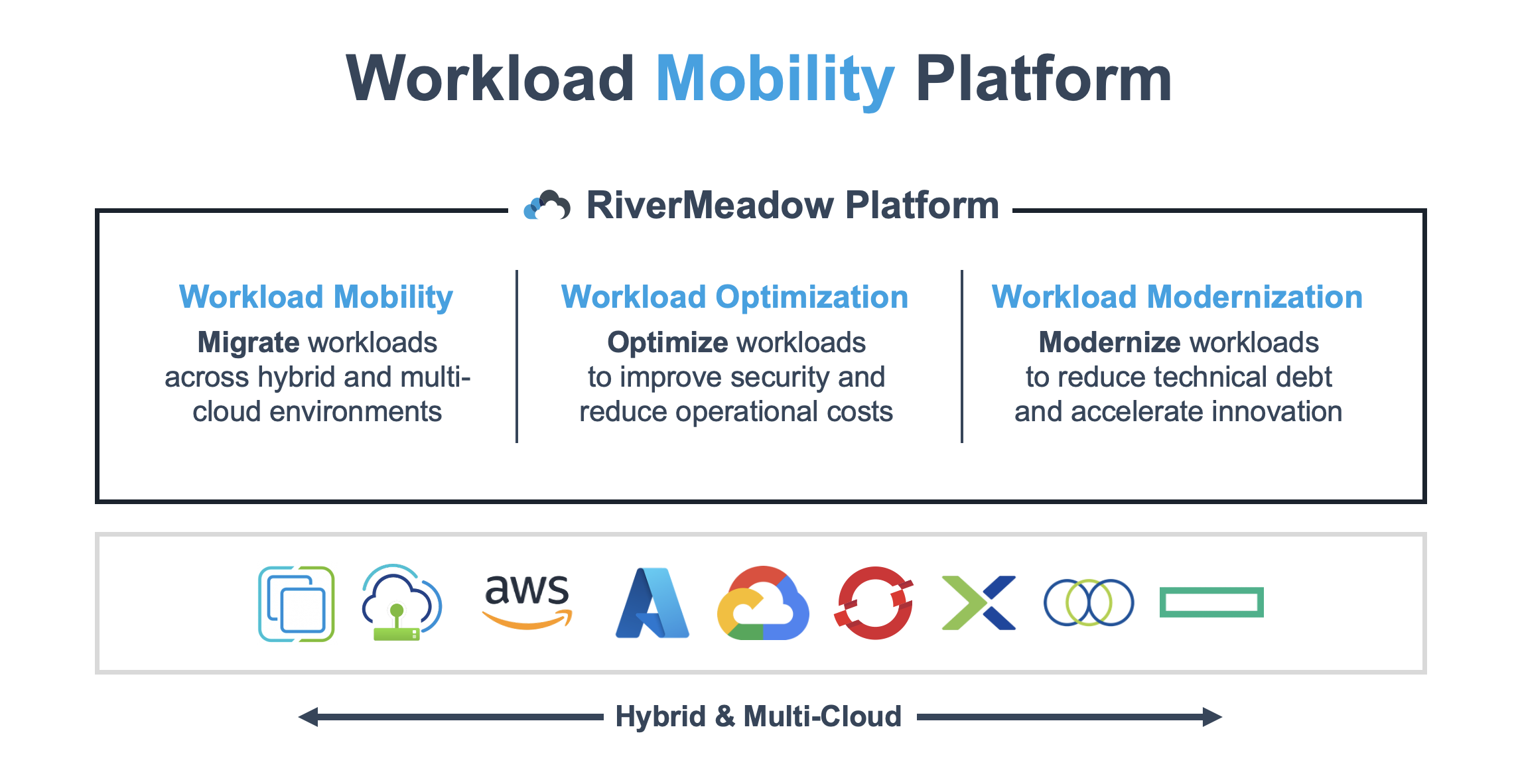
The RiverMeadow platform is a workload mobility solution that enables organizations to migrate, optimize, and modernize workloads (physical servers and virtual machines) from any source to over a dozen target clouds and hypervisors.
Platform Features
Workload Mobility
Migrate physical servers and virtual machines from any source to supported targets.
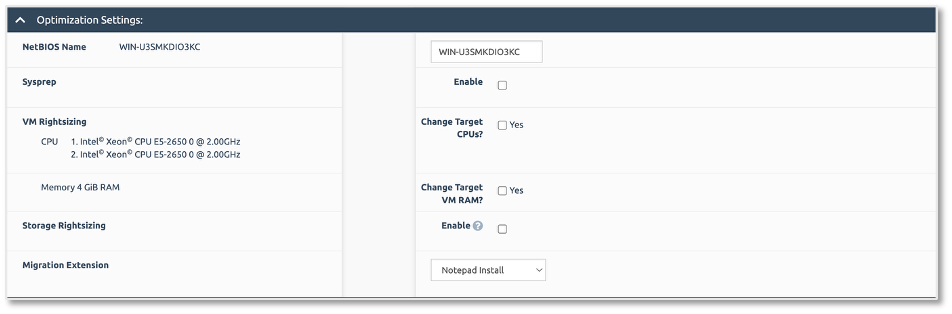
Compute Rightsizing
Rightsize VMware vSphere workloads based on historical performance data from the last 30 days.
Storage Rightsizing
Adjust the allocated storage for workloads during the migration to reduce excess or wasted allocated storage.
Operating System (OS) Hardening
Harden Windows Server and Red Hat Enterprise Linux (RHEL) systems using CIS benchmarks.
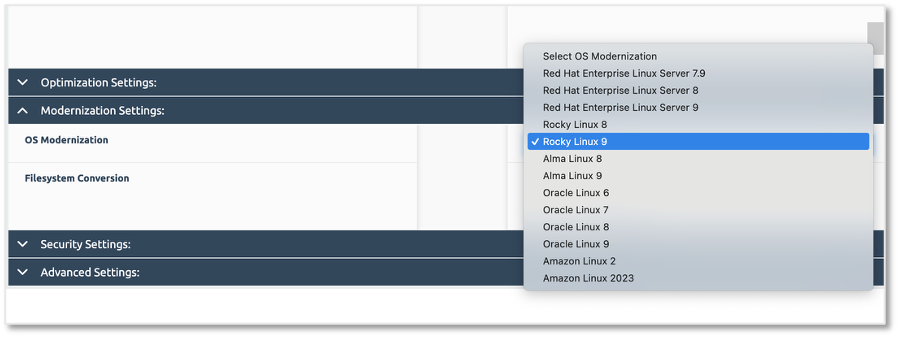
OS Modernization
Modernize Windows and Linux systems with the ability to perform automated operating system upgrades during the workload migration. In place upgrades are performed on the target clone to enable application compatibility testing in an isolated environment without impacting the source workload.
SQL Modernization
Modernize Microsoft SQL with the ability to perform automated upgrades during the workload migration. In place upgrades are performed on the target clone to enable application compatibility testing in an isolated environment without impacting the source workload.
Linux OS Conversion
Convert Linux workloads from one Linux distribution to another (Red Hat Enterprise Linux (RHEL), CentOS, Amazon Linux, Rocky Linux, AlmaLinux) to enable OS standardization
Migration Extensions
Execute Bash or PowerShell scripts to perform post-migration tasks such as software removal, software installation, application reconfiguration and more.
Migration Targets
The RiverMeadow platform enables the migration of physical, virtual or cloud workloads to the following AWS solutions:
- AWS EC2
- AWS Outposts Racks
- Red Hat OpenShift on AWS (ROSA)
- Nutanix Cloud Clusters (NC2) on AWS
Migration Methods
The RiverMeadow platform supports the migration of workloads using OS (agent) and VM (agentless) based migrations. Different features are supported by the different migration methods. The following table details the features that are supported by each migration method:
| Feature | Description | VM Based (Agentless) | OS Based (Agent) |
|---|---|---|---|
| Supported Sources | Where the source systems can be migrated from | VMware vSphere | Any (physical or virtual) |
| Supported Operating Systems | The supported operating systems for the source systems | Any Supported OS | Windows and Linux (x86 and ARM) |
| Supported Targets | The targets supported by the migration method | Any Supported | Any Supported |
| Retain source IP and MAC address | Keep the IP and MAC address of the source workload | Yes | No |
| Compute Righsizing | Rightsize workload CPU and Memory during the workload migration | Yes | Yes (No recommendations) |
| Storage Rightsizing | Rightsize storage volumes during the workload migration | No | Yes |
| Migration Extensions | Execute post-migration scripts using Bash or PowerShell | No | Yes |
| OS Modernization | Automated OS upgrades for Windows and Linux systems during the workload migration | No | Yes |
| SQL Modernization | Automated Microsoft SQL Server upgrades during the workload migration | No | Yes |
| OS Hardening | Harden Windows Server and RHEL systems using CIS Benchmarks | No | Yes |
| OS Conversion | Convert between Linux distributions that are derivaties of the same base operating system | No | Yes |