OS Agent
The RiverMeadow OS agent is a lightweight agent (less than 25 MB) that is installed on Windows or Linux source servers that are migrated using OS based migrations. The OS agent also enables advanced optimization and modernization functionality during the workload migration.
Automated agent installation
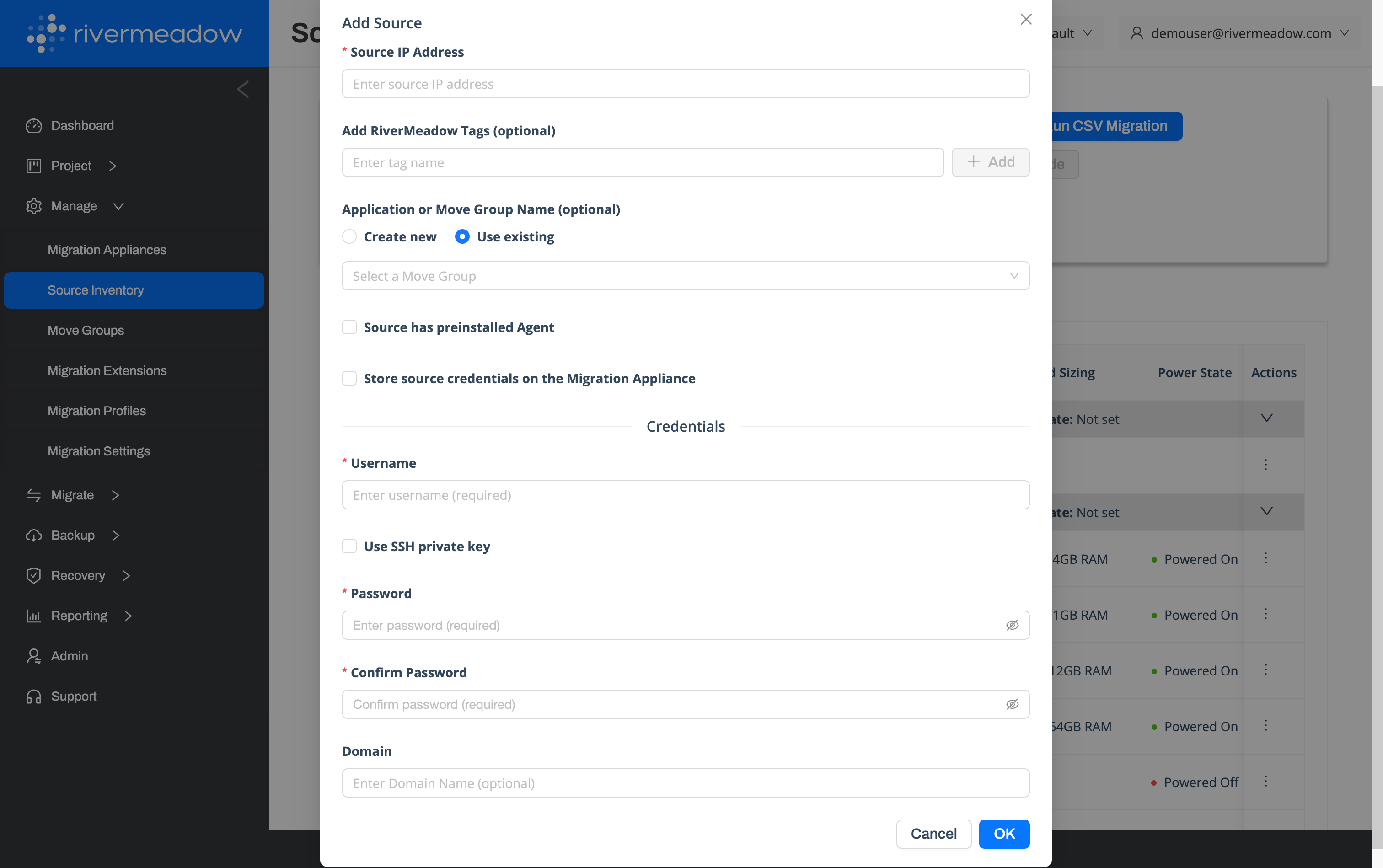
The RiverMeadow agent can be automatically installed from the migration appliance that is deployed into the target environment. The migration appliance uses remote protocols (SSH, WinRM, SMB) to connect to the source workload and perform the agent installation.
Manual agent installation
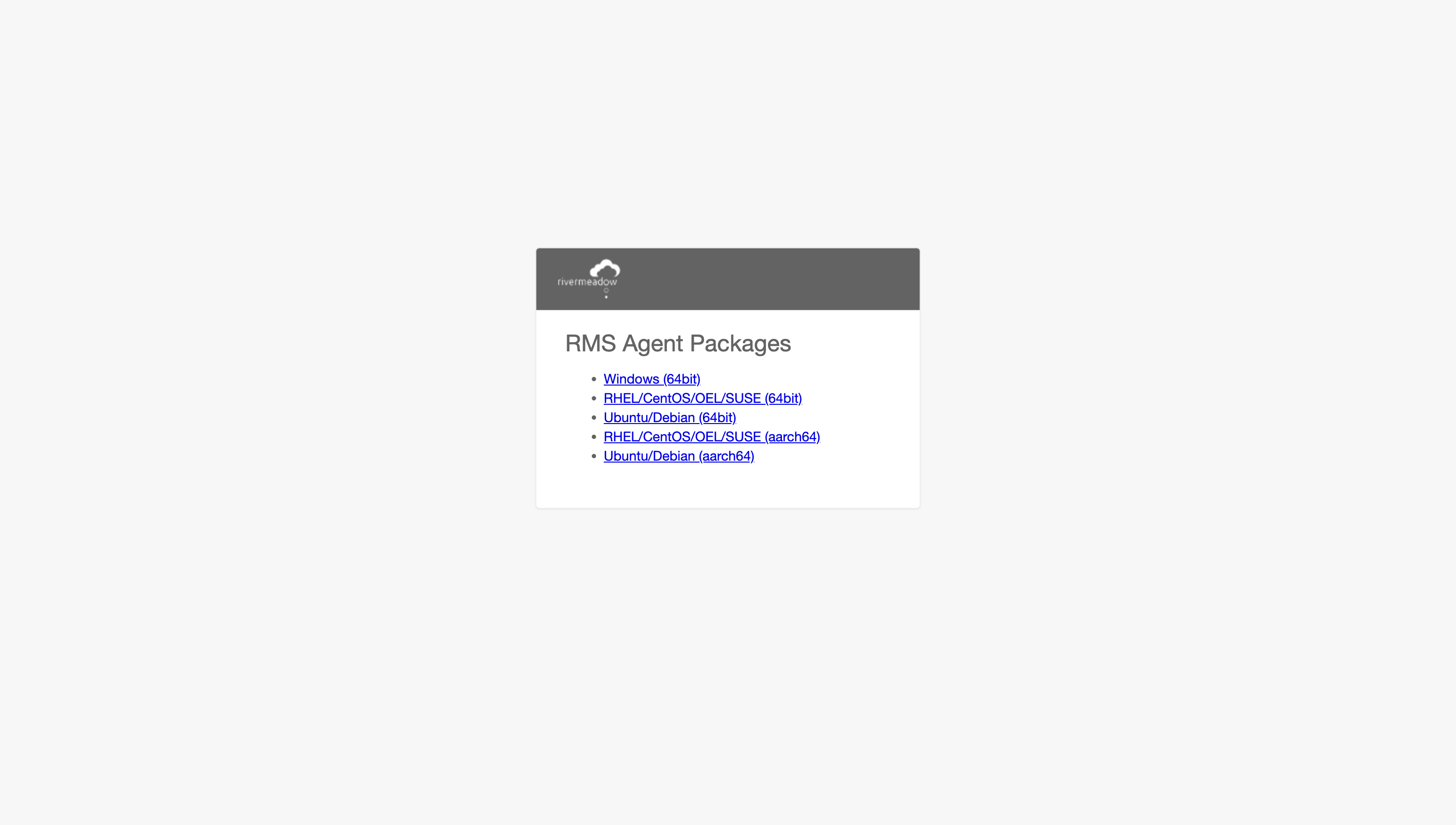
The RiverMeadow agent can be manually installed by downloading the agent package from the migration appliance. This enables the agent to be rolled out across an environment using 3rd party automation tools like Ansible or Group Policy.
Downloading the RMS Agent Package
The RiverMeadow agent installer can be downloaded from the migration appliance that is deployed into the target environment. The agent downloads page is accessible at the following URL: https://rms_migration_appliance_ip_address:8888/agent